

How to receive a VAT invoice?
Charging via the App
If you charged your vehicle via the App, you can quickly access your VAT invoices in the profile section of the App. Alternatively, fill in the form and we'll get back to you shortly.
Charging via Contactless
Please submit your name, email address, location, date and value of your charge session. We recommend checking your bank statement for the exact value of your charge session.
General Enquiries
For all other queries or for issues retrieving your VAT invoice, please get in touch using the Get in touch link.
Where are we located?
Michael House, 35 Chiswell Street, 2nd Floor, London, EC1Y 4SE
Access our lowest rates via the evyve app
Download now
Get the smoothest charging experience with the evyve app for Apple and Android.
Charge from 48p / kwh, view our pricing
App users can pay with just a few taps, find nearby chargers, and generate VAT invoices.


Payment | Weekday | Weekend |
evyve App | 69p | 48p |
Contactless Bank Card | 85p | |
Roaming | refer to your provider's app | |
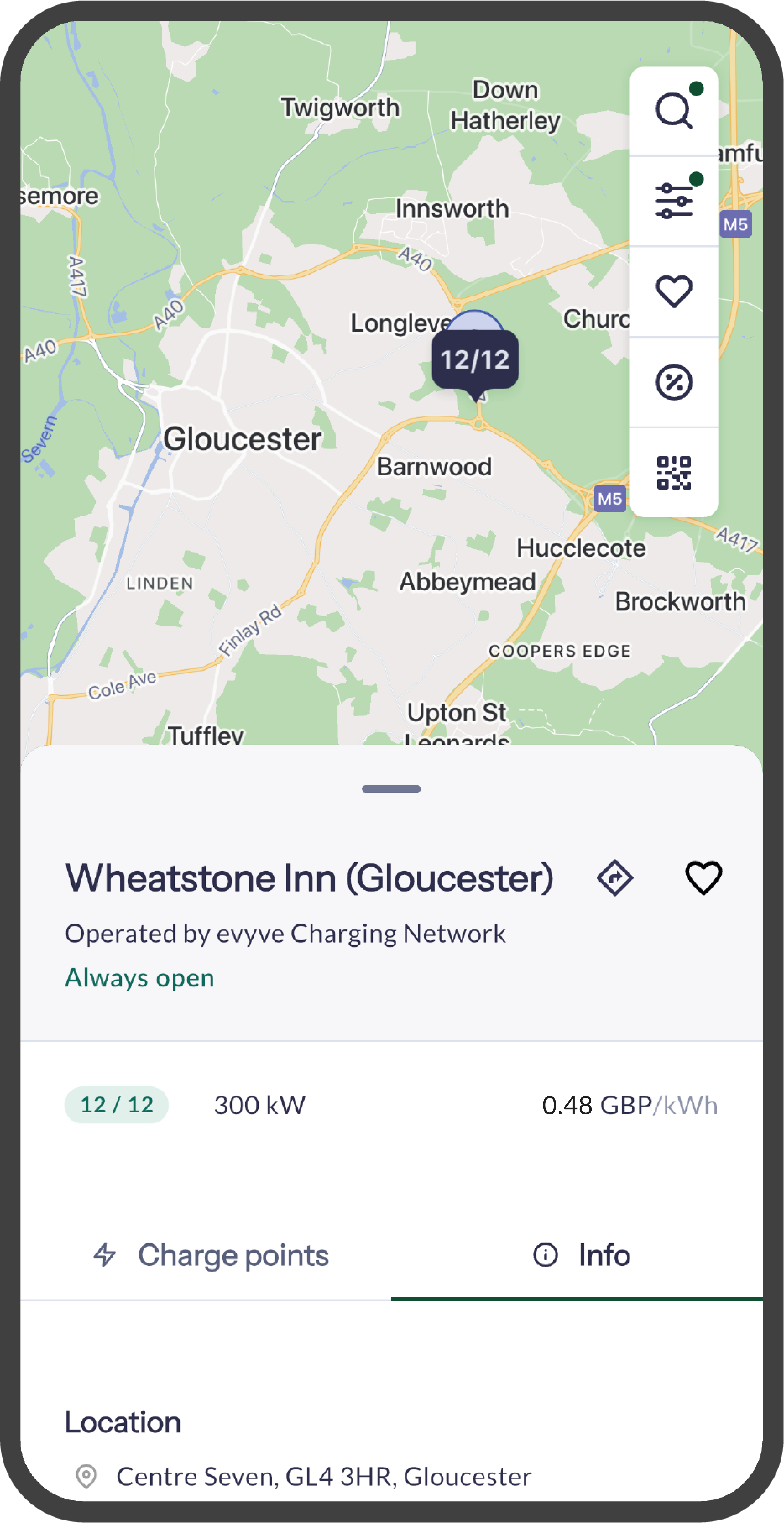
Find charging stations in your area and check live charge point information including availability and performance.
Select the Connector ID in the app to set up your charge session. Then simply plug in your vehicle and follow the instructions in the App.
Start your charging session and make payment in just a couple of clicks. Monitor your usage and press stop at any time.